Sign in with the email you bought with to see your plan, change it or cancel it.
Your membership doesn't show up? Email us at contacto@raptoracing.cl and we'll sort it out.
Type the email you used: if it matches, we show you your license right here and we also email it to you.
Paste it in the app to activate it. Each license works on one computer.
We'll create your key right now and also email it to you.
Something went wrong. Try again, or email us at contacto@raptoracing.cl
We also emailed it to you.
1. Install it and open it. 2. Paste your key. 3. Open iRacing.
You already have a key with this email. It's in your inbox, or you can get it sent again from Recover license.
Before you continue: We use Meta cookies to measure our ads. Privacy
Done, thanks.
Your key is on its way to your email. If it doesn't arrive in a few minutes, email us at contacto@raptoracing.cl.
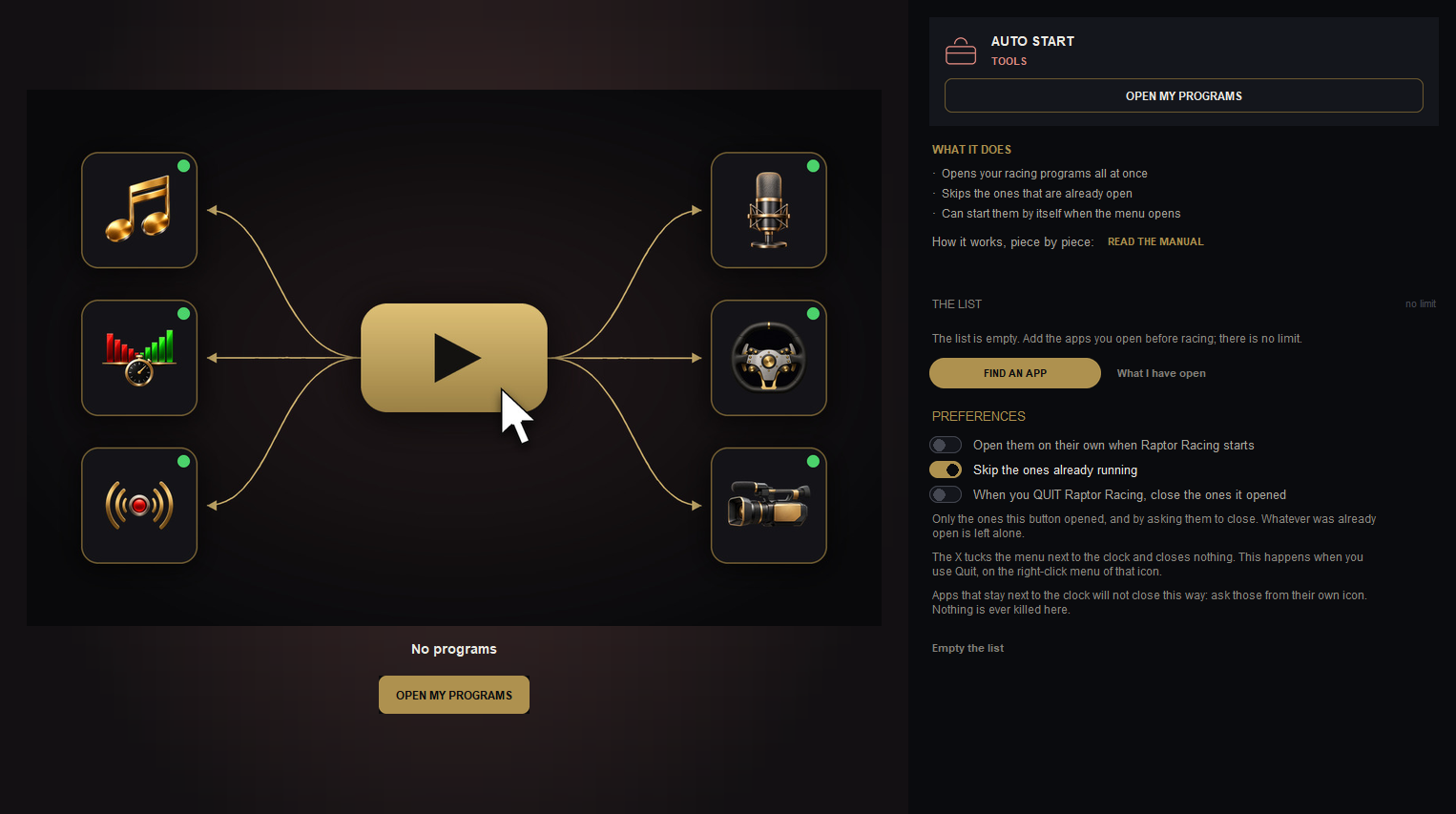
Opens together the programs you use before racing. A PRO plan tool of Raptor Racing Overlay.
The Auto Start screen in the menu.

 123456